The Payments module in BillingNow gives you a centralized view of all financial transactions across your organization.
Payments are automatically generated when you:
- Record a payment on an Invoice
- Record a payment on a Expense
- Record a payment on a Credit Note
This page allows you to track, edit, filter, export, and audit every incoming and outgoing payment in one place.
📂 Accessing Payments
Sidebar → Payments
This page displays a global list of all payments, regardless of the originating document.
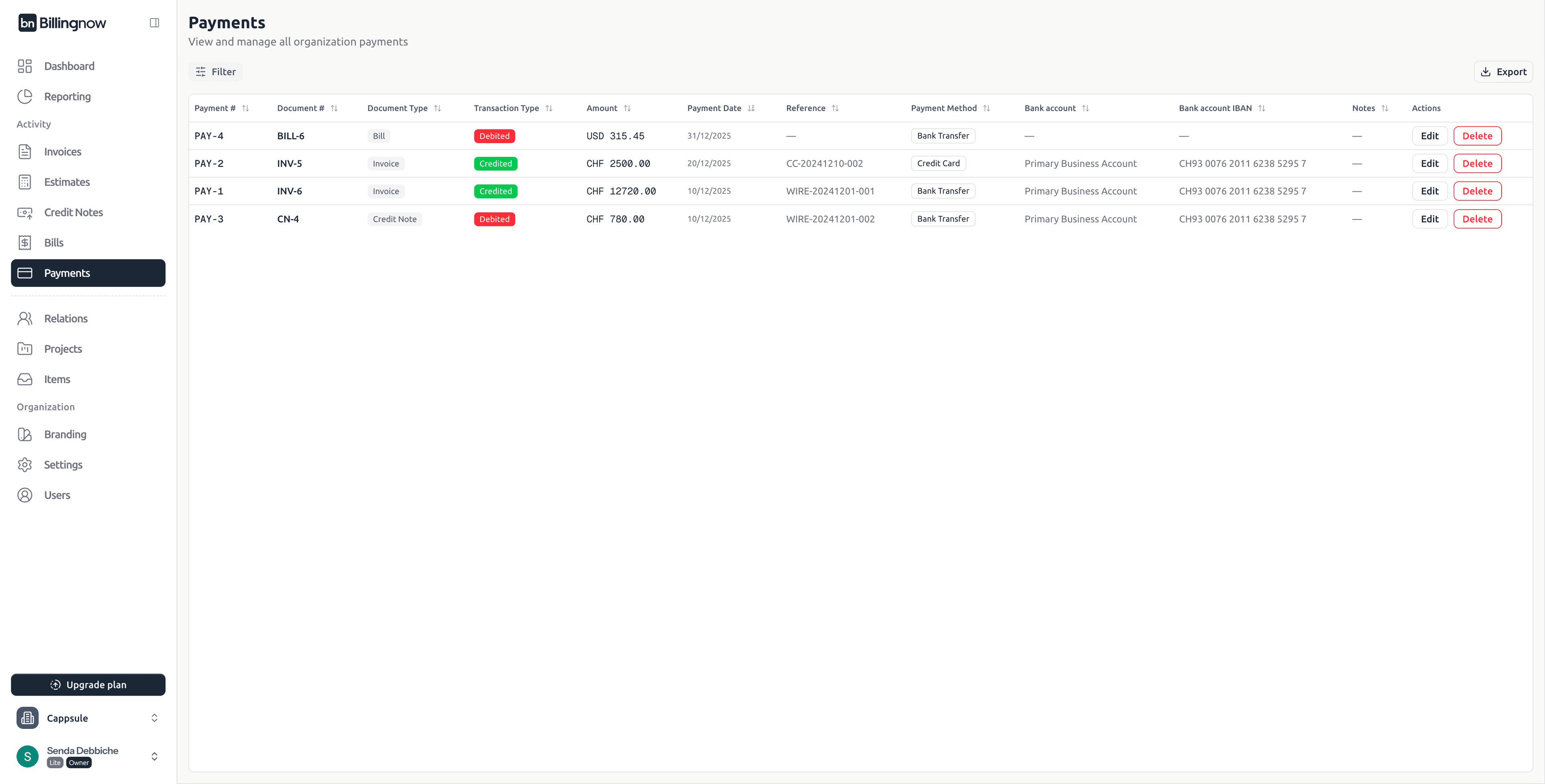
📋 Payments List Overview
The Payments table provides a consolidated overview of all transactions.
Table Columns
| Column | Description |
|---|---|
| Payment # | Unique payment identifier (e.g. PAY-4). |
| Document # | Reference to the related document (Invoice, Expense, or Credit Note). Click to open the document details. |
| Document Type | Type of document linked to the payment: Invoice, Expense, or Credit Note. |
| Transaction Type | Indicates money flow: • Credited → Money received • Debited → Money paid |
| Amount | Payment amount with currency. |
| Payment Date | Date when the payment occurred. |
| Reference | Optional transaction reference (wire ID, card reference, check number). |
| Payment Method | Payment method used (Bank Transfer, Credit Card, etc.). |
| Bank Account | Internal bank account used for the transaction (if applicable). |
| Bank Account IBAN | IBAN of the bank account used. |
| Notes | Optional notes linked to the payment. |
| Actions | Edit or delete the payment. |
🔁 Transaction Types
Each payment is automatically classified:
- 🟢 Credited
- Incoming money
- Typically linked to Invoices
- 🔴 Debited
- Outgoing money
- Typically linked to Expenses or Credit Notes
🔎 Filtering Payments
Click Filter at the top of the page to narrow down results.
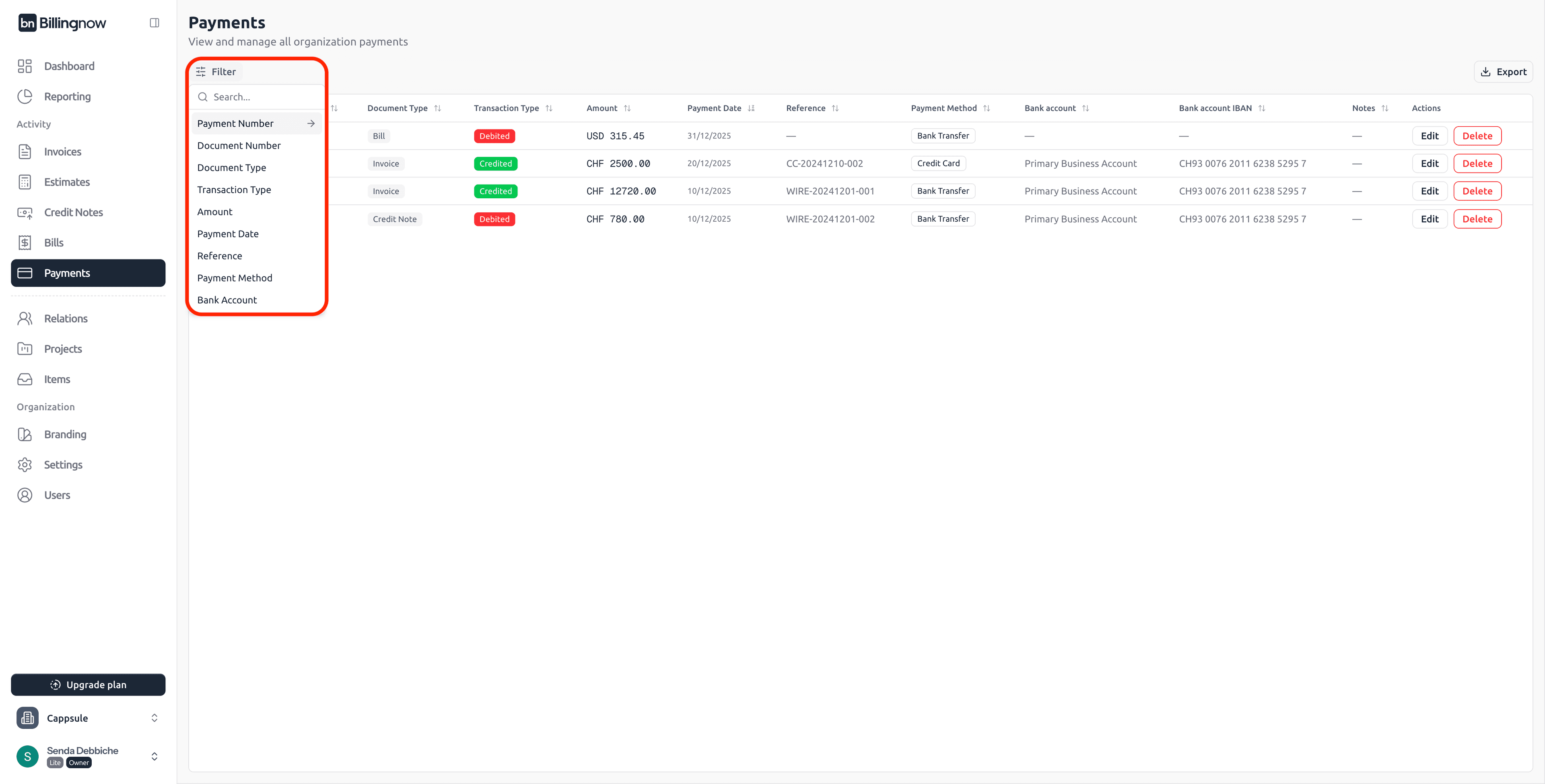
Available Filters
You can filter payments by:
- Payment Number
- Document Number
- Document Type
- Transaction Type
- Amount
- Payment Date
- Reference
- Payment Method
- Bank Account
Filters behave the same way as in Invoices, Expenses, and Credit Notes.
🔗 Accessing Linked Documents
Click on the Document # column to open the related document:
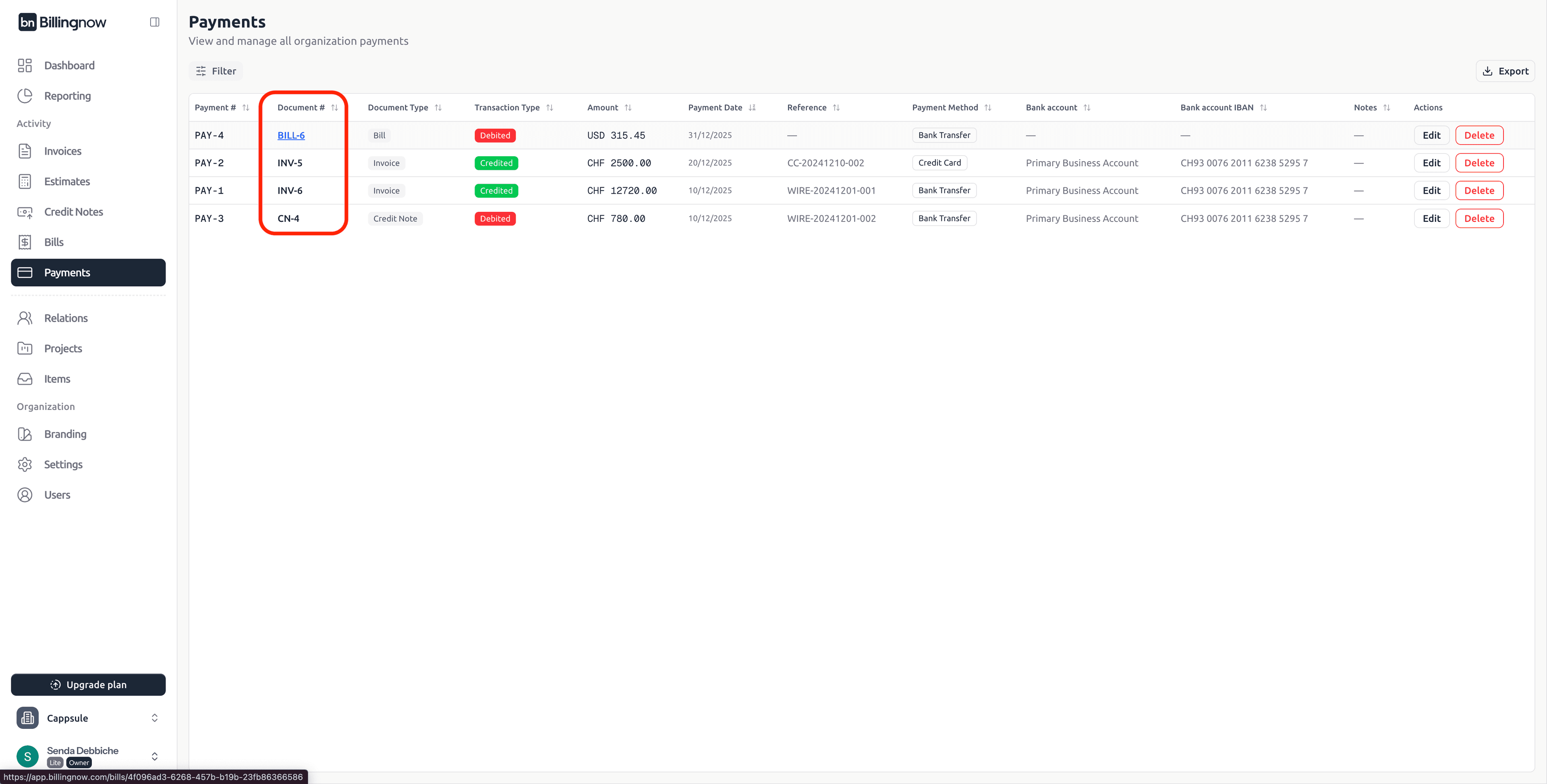
- Invoice → Invoice detail page
- Estimates → Estimate detail page
- Credit Note → Credit Note detail page
- Expense → Expense detail page
✏️ Editing a Payment
To edit a payment:
- Click Edit in the Actions column
- A side panel opens with editable fields
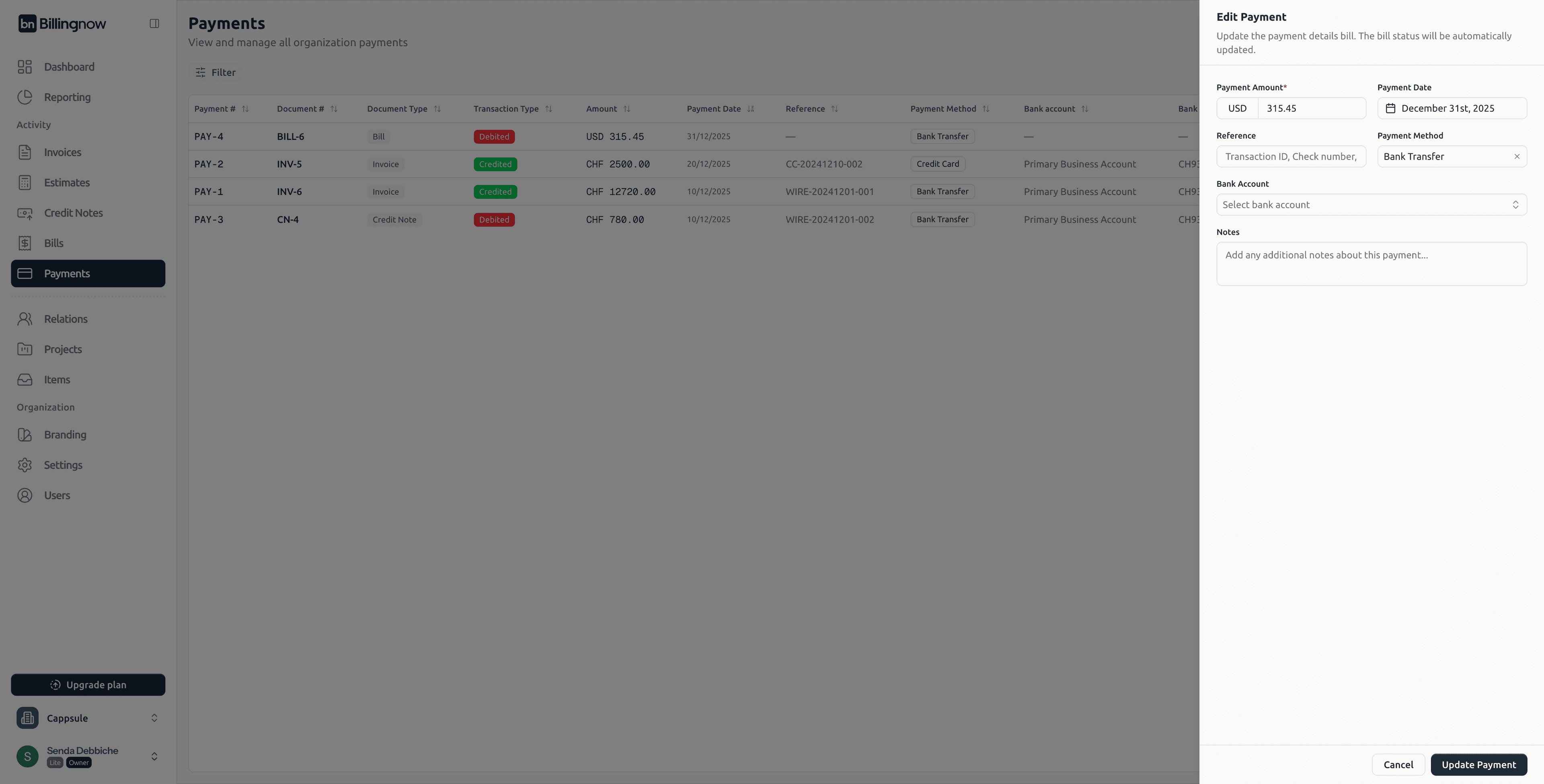
Editable Fields
| Field | Description |
|---|---|
| Payment Amount | Update the amount paid. |
| Payment Date | Change the payment date. |
| Reference | Update transaction reference. |
| Payment Method | Change method (Bank Transfer, Credit Card, etc.). |
| Bank Account | Select a different internal bank account. |
| Notes | Add or edit internal notes. |
Updating a payment automatically updates the status of the linked document.
🗑️ Deleting a Payment
To delete a payment:
- Click Delete
- Confirm deletion in the modal
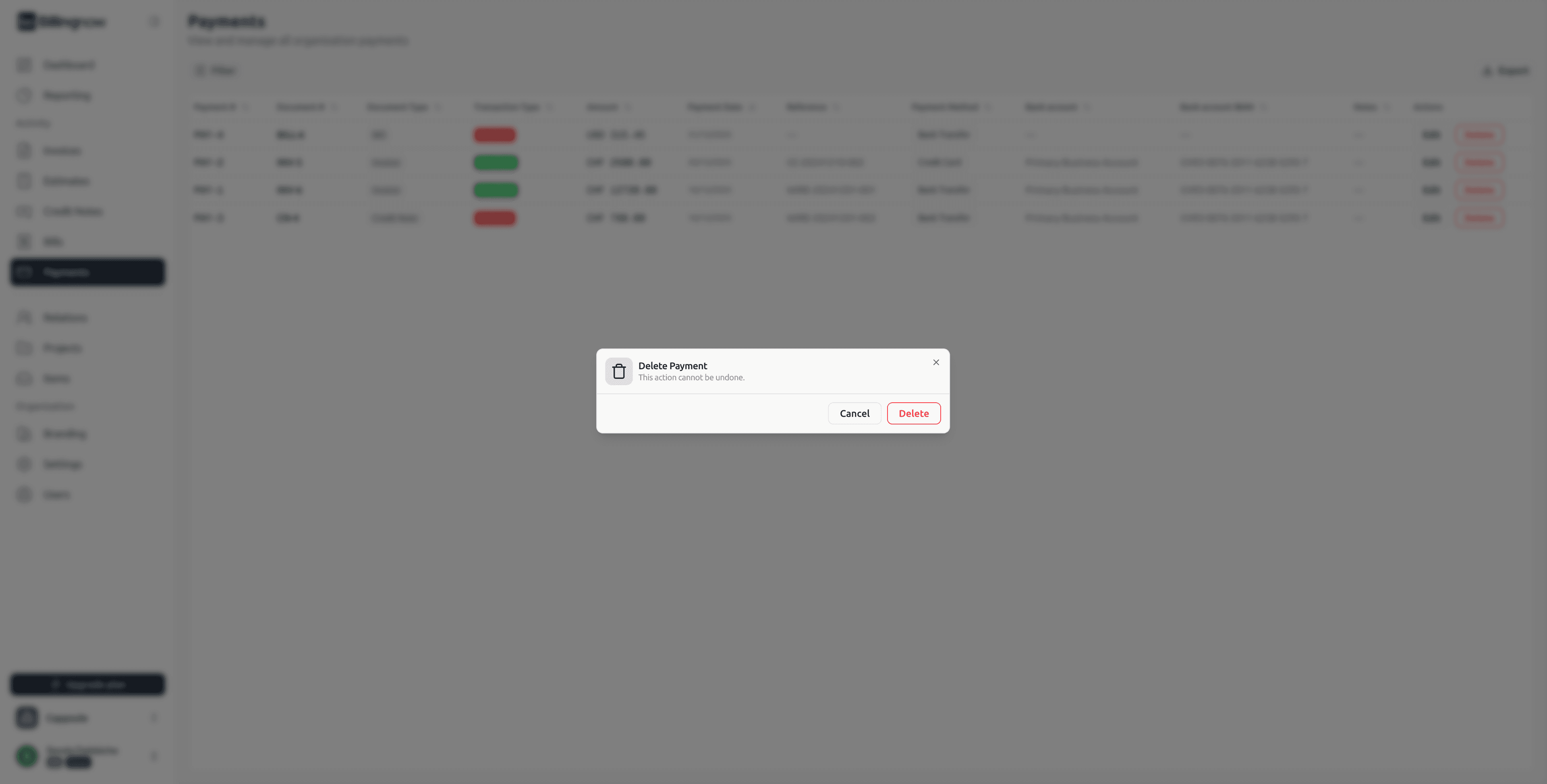
This action cannot be undone
Effects of Deletion
- The payment is permanently removed
- The linked document’s status is recalculated automatically
(e.g. Partially Paid → Pending)
📤 Exporting Payments
Click Export in the top-right corner.
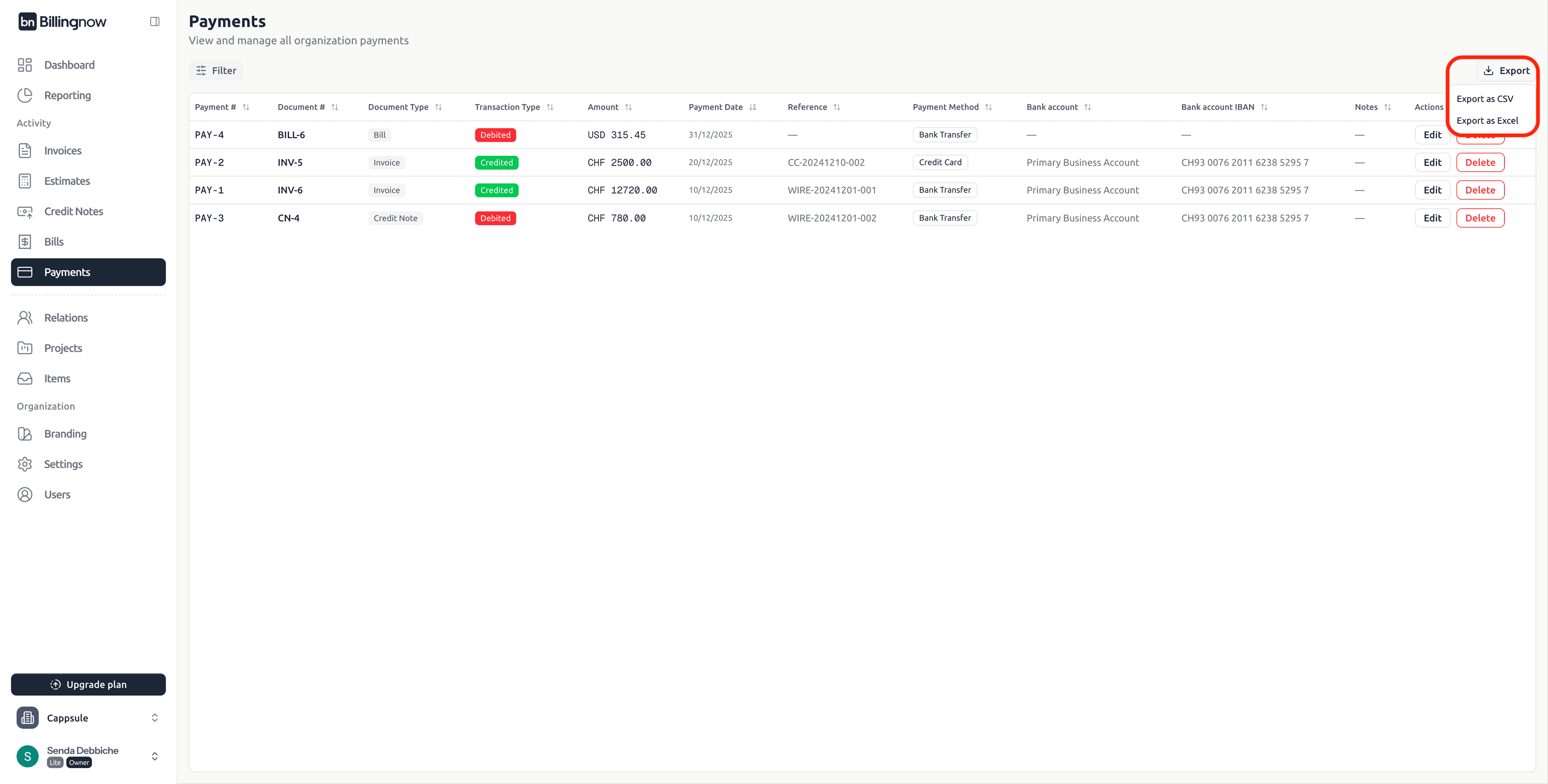
Export Formats
- Export as CSV
- Export as Excel
Exports respect active filters.
🔄 Automatic Status Synchronization
Payments are tightly linked to documents:
Any payment action:
- Updates Paid / Partially Paid / Pending statuses
- Recalculates totals automatically
- Updates activity timelines
This guarantees real-time financial accuracy.
💡 Best Practices
✔ Use clear payment references
✔ Regularly review debited vs credited payments
✔ Export filtered data for accounting
✔ Avoid deleting payments unless necessary
✔ Verify bank account selection before saving
✅ Summary
The Payments module is the central transaction ledger of BillingNow.
It allows you to:
- Track all incoming and outgoing payments
- Navigate directly to related documents
- Edit or correct transactions safely
- Export data for accounting and audits
Payments complete the financial lifecycle started by Invoices, Expenses, and Credit Notes, giving you full visibility and control over cash flow.